
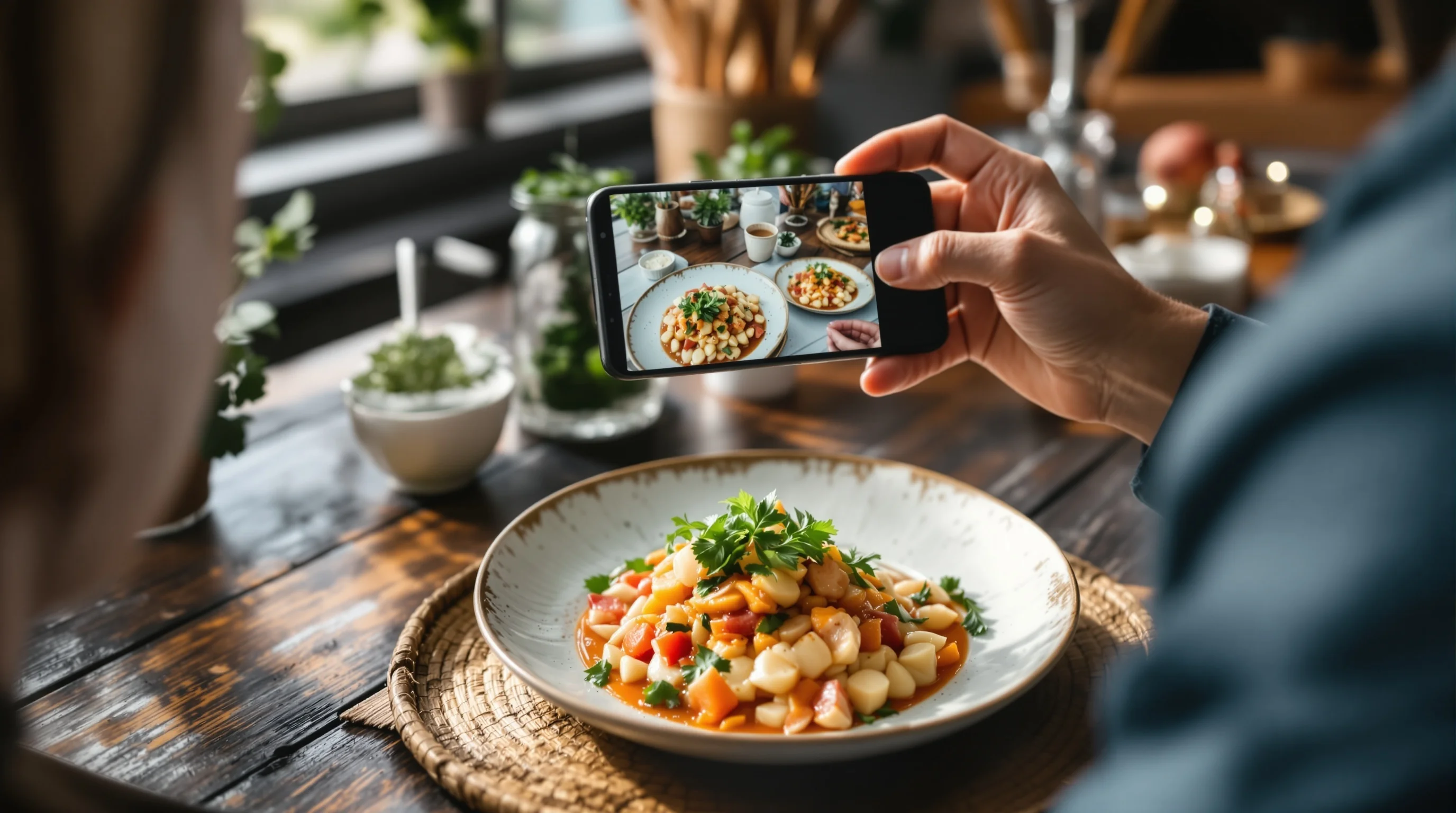
Introduction: If you want to Improve Your Uber Eats Photos Fast, this guide is for busy restaurateurs who need results now. Food images act as your digital storefront: customers decide in seconds whether to order. According to research, restaurants with professional-quality menu photos see roughly 20–35% more orders and 15–25% higher average order value (MenuPhotoAI). Even adding a single dish photo can boost orders by about 10% (Claid.ai). With over a million merchants and tens of millions of monthly users on delivery platforms, optimizing your Uber Eats menu images is no longer optional (EWA Direct). This article gives immediate, phone-first techniques, fast editing workflows, platform specs and low-cost alternatives so you can Improve Your Uber Eats Photos Fast without hiring a photographer.
Why menu photos matter and the ROI of quick improvements
People choose visually. "People eat with their eyes." — Uber Eats. High-quality images are proven sellers: professional images typically drive 20–35% higher order volumes and lift average checks by 15–25% (MenuPhotoAI). DoorDash, Grubhub and Deliveroo have reported double-digit increases when restaurants supply strong photos (Claid.ai). Even a basic photo reduces friction—about 73% of customers want to see photos before they order (MenuPhotoAI). If you need a fast win, small changes to lighting, angle and editing can deliver measurable lifts in orders. Improve Your Uber Eats Photos Fast by prioritizing clarity, correct exposure and appetizing composition.
Good photography doesn’t always require expensive gear. This guide focuses on smartphone food photography, quick on-the-job fixes and fast editing — practical steps that let you Improve Your Uber Eats Photos Fast even during service hours. For deeper planning or a shoot day, see our How to Plan a Restaurant Food Photoshoot checklist.
Quick checklist: what to do before you shoot
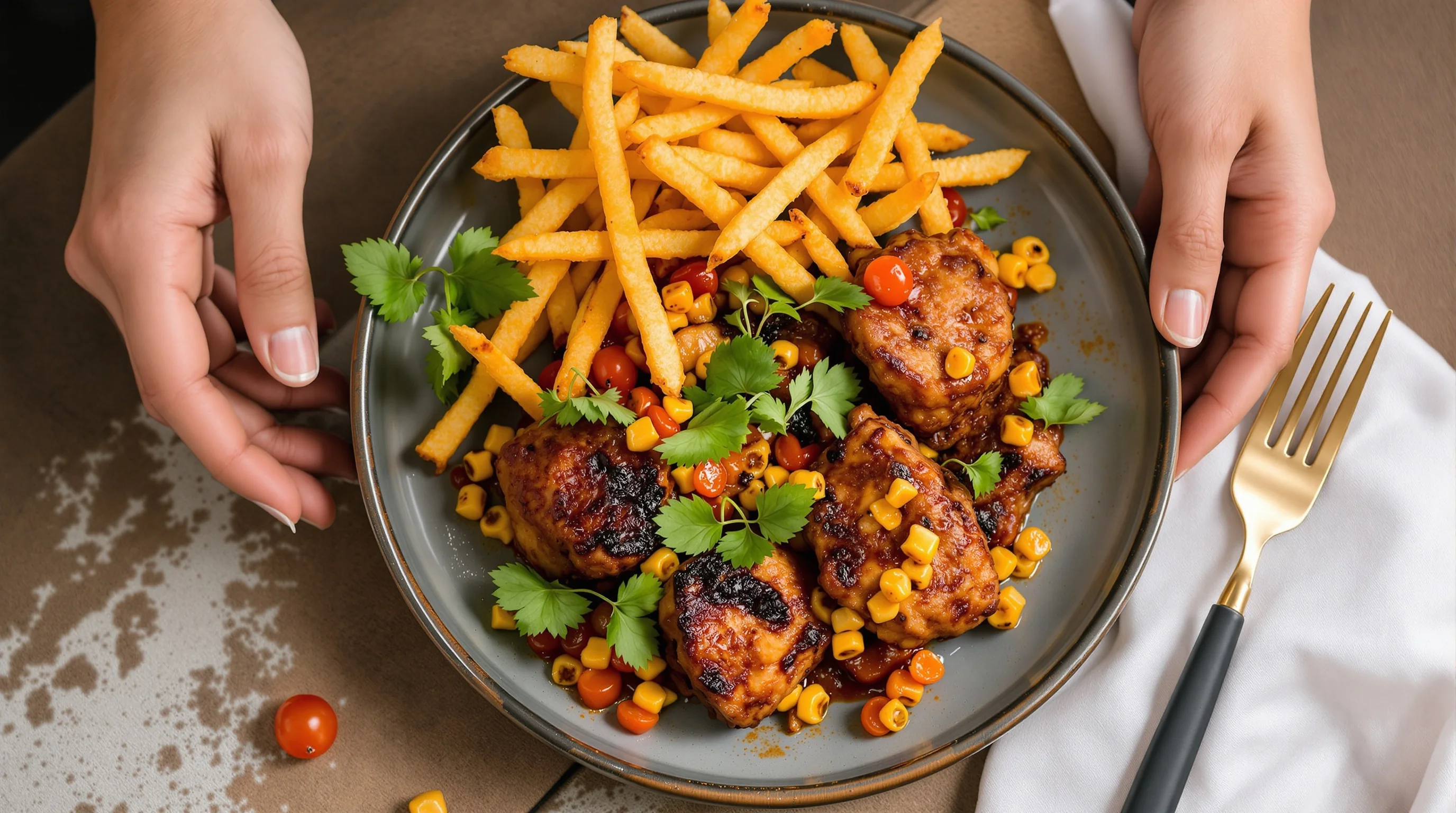
Before you take any photos, prepare. Improve Your Uber Eats Photos Fast by following a short pre-shoot routine: clean plates and rims, wipe grease, remove stray garnishes, and make sure portions are representative of delivery servings. Natural details — melting cheese, visible steam, crisp edges — sell the dish. Keep props and backgrounds simple; the dish should be the star. If you want fast inspiration on staging, our guide on How to Stage Food Like a Professional Stylist has quick plating tricks that take minutes to apply.
- Wipe the plate rim and arrange food naturally
- Use a neutral plate or one that complements the dish
- Serve the actual delivery portion to avoid a mismatch
- Prep a single garnish that adds color and texture
Lighting hacks that create appetite fast
Lighting transforms a photo more than any filter. To Improve Your Uber Eats Photos Fast, favor soft, natural side light from a window. Avoid harsh overhead fluorescents that flatten texture and color. If natural light isn’t available, use a portable LED panel with a diffuser, or create a DIY bouncer with white foam board to fill shadows. For step-by-step lighting tricks that are practical for restaurant environments, check our guide 7 Restaurant Lighting Tricks for Better Food Photos.
"Customers eat with their eyes — especially online."
ALXEATS blog
When light is right, skin tones and food hues read true; when it’s wrong, food looks dull or unappetizing. Improve Your Uber Eats Photos Fast by shooting near a large window, turning off mixed light sources, and using a reflector (even white paper) on the shadow side. This simple approach prevents blurred, poorly lit images — one of the most common pain points for restaurants.
Best angles and composition for delivery platform photos
Choose the angle that shows the dish’s key selling point: texture, layers or portion size. Typical high-converting angles are 45° (shows height and layers), top-down flat-lay (great for bowls, pizzas and platters) and tight macro for texture. Improve Your Uber Eats Photos Fast by keeping composition simple: use the rule of thirds, leave negative space for overlay text if needed, and crop to remove distracting background elements. For practical angle guidance, see our article The 5 Best Camera Angles for Food Photography.
- 45°: burgers, stacked items and plates with depth
- Top-down: salads, pizzas, bowls and shared platters
- Tight 1:1 or 4:3 crop: highlight texture and portion
Keep props minimal and authentic — a napkin, fork or a small herb sprig. Customers prefer realistic, honest images; avoid over-styling that misrepresents the delivered experience. Improve Your Uber Eats Photos Fast by shooting the actual dish you deliver, not a studio version.
Smartphone editing workflows for speed
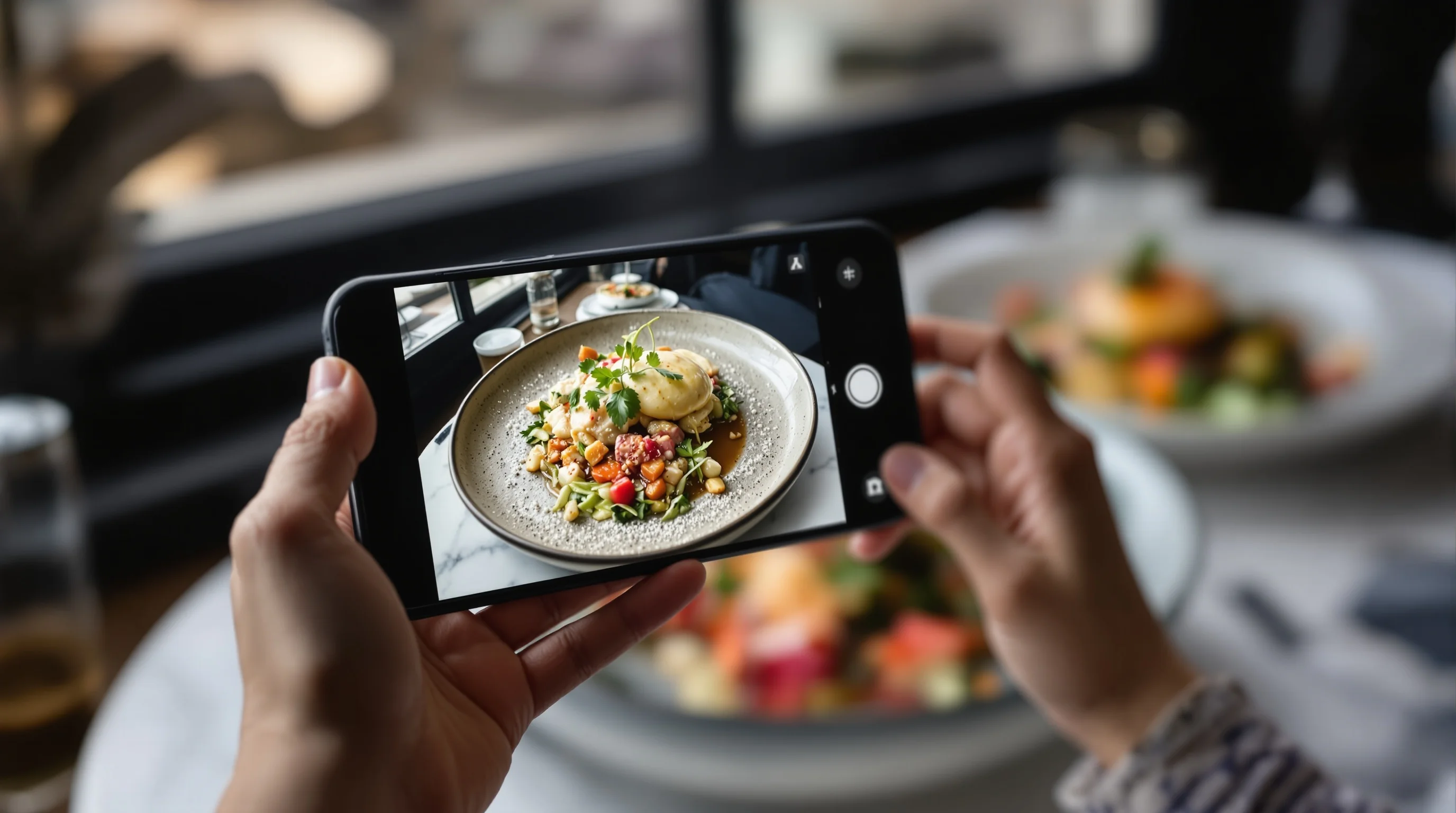
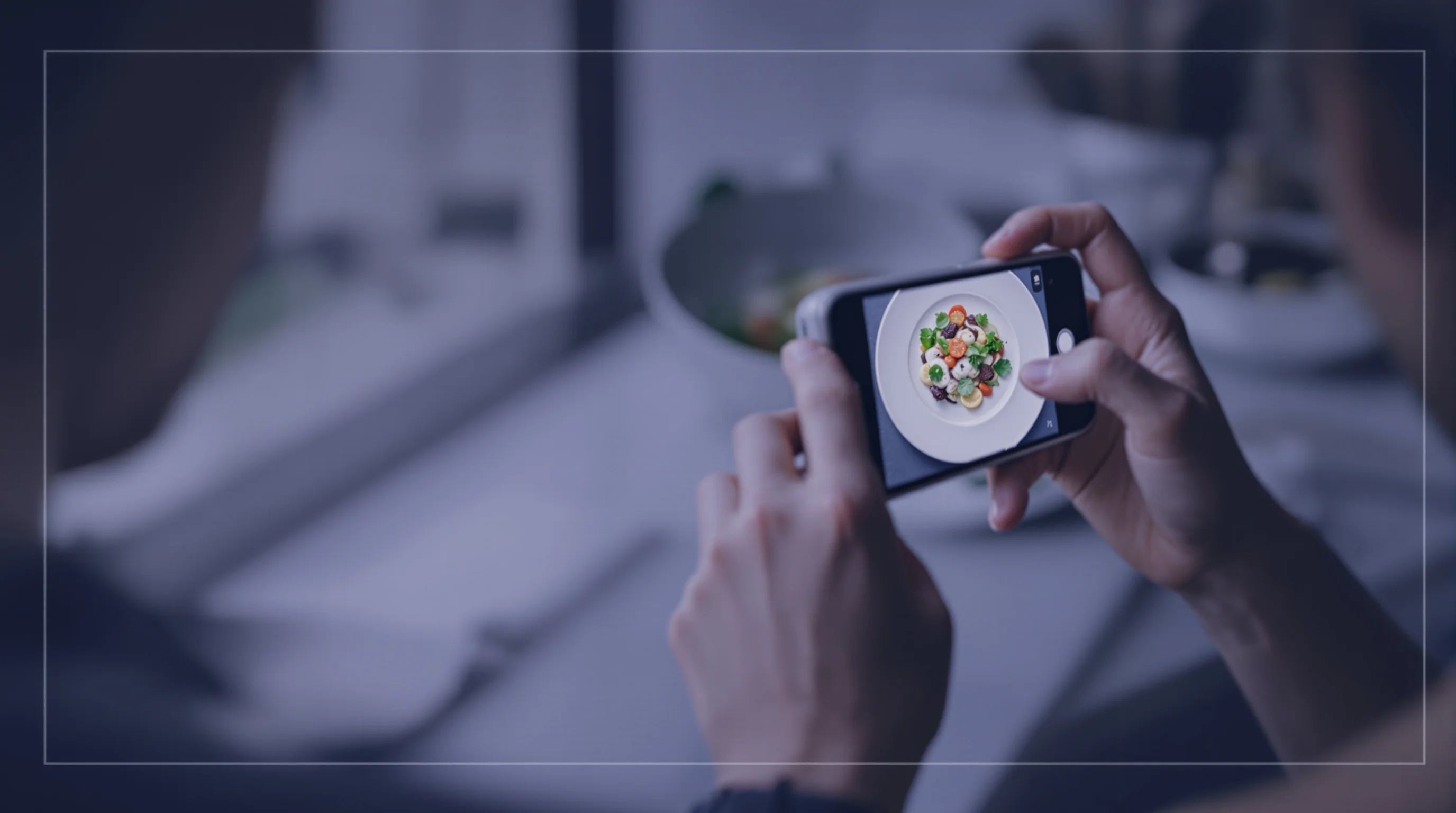
A quick editing workflow turns a good phone snap into a menu-ready image in under two minutes. Start by straightening and cropping to Uber Eats specs (center the dish and use the recommended aspect ratio). Adjust exposure, contrast and white balance lightly — aim for true-to-life color. Use sharpening sparingly to retain natural texture. If you need a fast way to Improve Your Uber Eats Photos Fast, use mobile editors that batch-process or AI tools that auto-correct color, exposure and remove small distractions.
For instant, consistent results consider AI options. Instead of hiring a studio, try YummyPic’s AI editor as an easy alternative. YummyPic instantly transforms phone snaps into professional-quality dish photos, applying consistent style presets and platform optimization that are cost-effective and fast. For more on AI-assisted conversions and platform-ready images, see our AI Food Photography page.
Uber Eats image requirements and upload tips
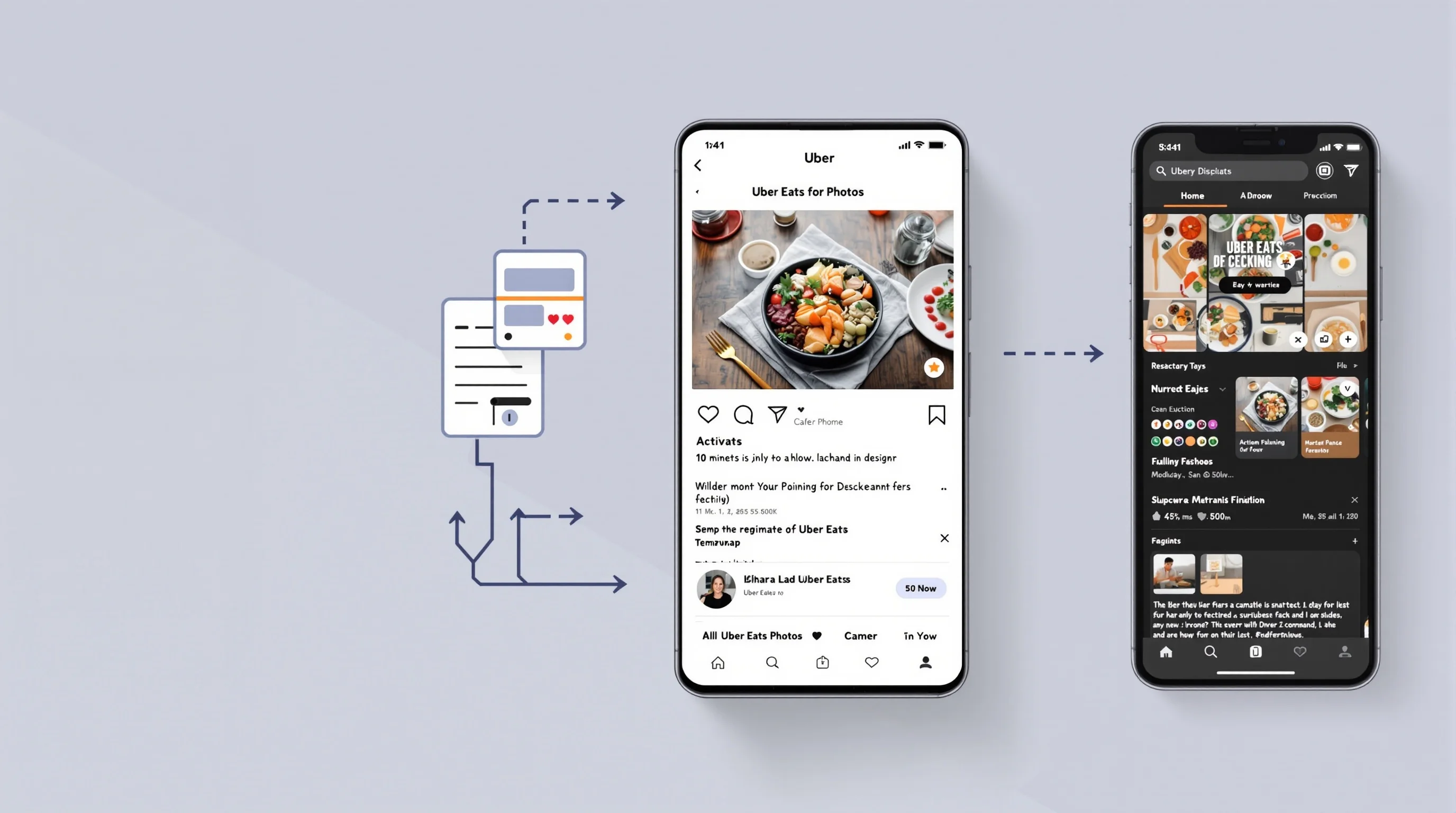
Every delivery platform has image specs; staying within those avoids rejections and ensures images display correctly. Improve Your Uber Eats Photos Fast by following simple rules: use the recommended aspect ratios, upload high-resolution files, and make sure images are not overly compressed. We cover exact sizing and how to avoid rejections in our guide Uber Eats Image Requirements (and How to Nail Them).
- Upload true-to-size, high-resolution JPGs or PNGs
- Avoid heavy filters that alter food color
- Name files clearly for internal management (e.g., 'chicken-parm-500g.jpg')
If you need to batch-update dozens of items, use automated tools that export multiple crops for DoorDash, Grubhub and Uber Eats. YummyPic can generate different styles and crops so the same dish looks optimized across platforms like DoorDash, Grubhub and Uber Eats.
Fast on-the-floor tips when you're short on time
During a busy service day you still can Improve Your Uber Eats Photos Fast with three reliable shortcuts: (1) Use a window seat or back-of-house prep area with strong side light; (2) Keep a dedicated plate and simple backdrop ready; (3) Shoot multiple frames and pick the sharpest one. When in doubt, undercook slightly or hold back an item until it looks freshest for the brief photo session. These small investments pay off quickly because better images convert.
💡 Pro Tip
Create a small "photo kit" with one neutral plate, one small reflector (white card), and a phone clamp — you can Improve Your Uber Eats Photos Fast with this 3-item set and five minutes of prep.
DIY vs professional — when to use each and how AI bridges the gap
Some restaurants benefit from a full studio shoot, but many get excellent ROI from DIY photos plus AI polishing. Improve Your Uber Eats Photos Fast by using in-house shots for everyday items and reserving pro shoots for signature plates. AI platforms like YummyPic offer a middle path: professional-quality results in seconds at a fraction of the cost. This is ideal for frequent menu updates, seasonal dishes or multiple platform crops.
- DIY: fast, low-cost, great for high-rotation items
- Professional shoot: best for hero dishes and brand imagery
- AI processing (e.g., YummyPic): fast consistency and multiple styles
YummyPic is particularly useful when you need consistent, platform-optimized results without the expense of repeated studio sessions. Its value lies in speed, cost-effectiveness and the ability to produce multiple styles — from bright & airy to dark & moody — quickly.
Localization and styling by cuisine — small changes that matter
Different cuisines have different visual expectations: tacos look best with vibrant, candid plating; sushi benefits from minimalism and clean lines; stews and curries need warmth and texture. Improve Your Uber Eats Photos Fast by tailoring styling to your cuisine: use color-appropriate props, scale shots to portion expectations in your market, and consider local lighting preferences (bright for daytime café items, moodier for late-night comfort food). For cuisine-specific guidance, see our pieces on Mexican Food Photography and Asian Food Photography.
Small localization changes can improve click-through rates in different regions because customers’ expectations vary. Improve Your Uber Eats Photos Fast by testing a couple of localized styles and tracking performance.
Common mistakes and how to fix them quickly
Blurry, poorly-lit, or misleading photos are the most common mistakes. If a photo is blurry, retake with stabilization (use a tripod or steady your arms on a table). If colors look off, fix white balance in your editor. If a dish looks over-styled or unrealistic, simplify — authenticity converts better than perfection. Research shows that honest, appetizing images act as a restaurant’s digital storefront and influence split-second decisions (EWA Direct). Improve Your Uber Eats Photos Fast by addressing these errors systematically: stabilize, light, and edit minimally.
Conclusion
Improving menu images does not have to be expensive or slow. Improve Your Uber Eats Photos Fast by using window light, choosing the right angle, following platform specs and applying quick edits or AI tools for consistency. Remember: "People eat with their eyes." — Uber Eats. Small changes — a cleaner plate, one reflector, or an AI polish from YummyPic — can boost orders and average checks without disrupting operations. Start with a handful of high-rotation items, test, and scale what works.