
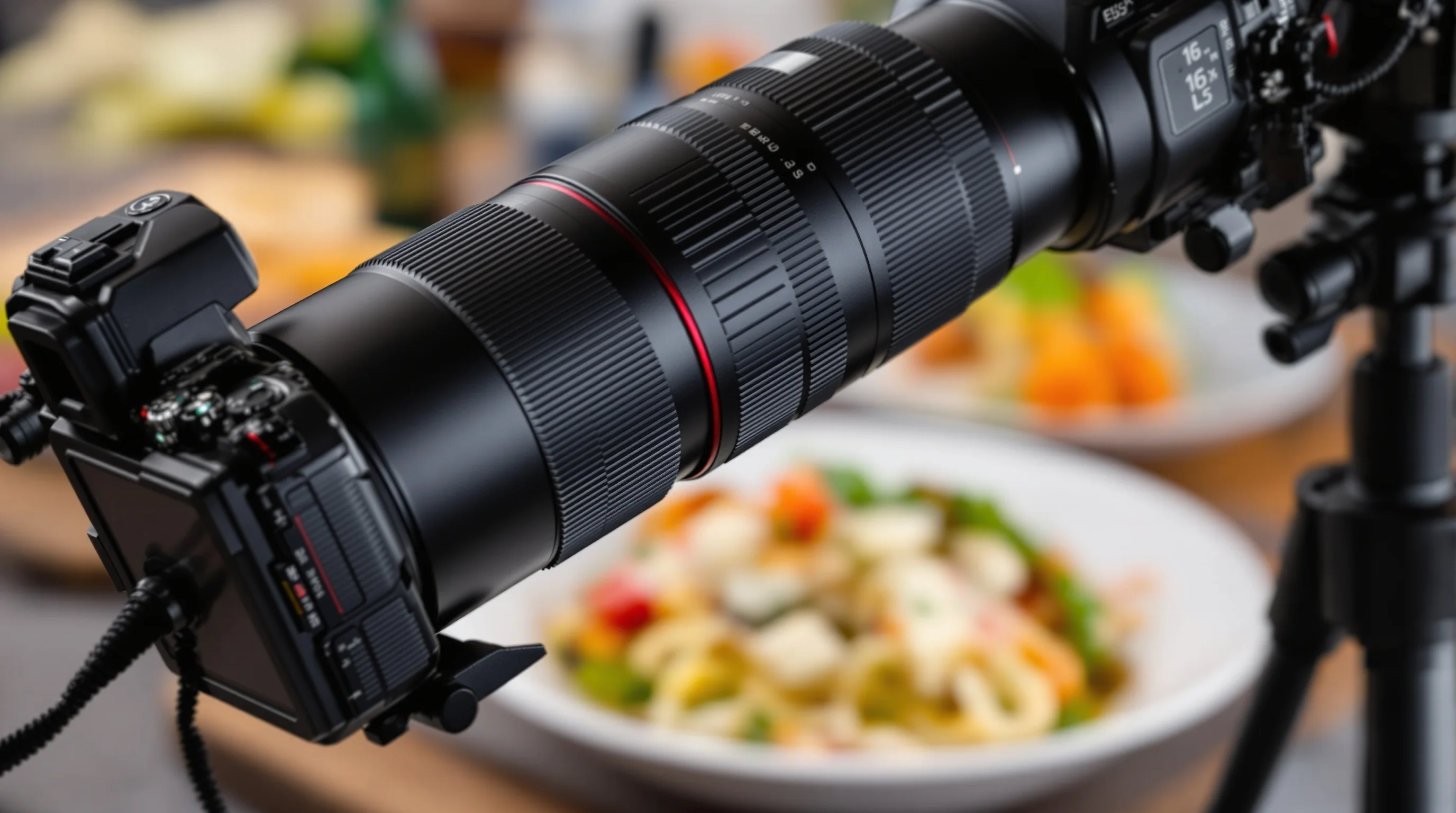
Introduction: If you’ve ever set up a perfect overhead shot of a plated dish and discovered mid-tether that the lens has inched forward, you’ve met lens creep. What Is Lens Creep and Why It Ruins Food Photos is a frustrating question for chefs, restaurant owners and food photographers alike. Lens creep (also called zoom creep) happens when a zoom lens barrel extends or moves by itself under gravity, especially when pointed downwards. That tiny, often invisible movement can shift composition, change focus and produce soft or partially blurred images—exactly the problems that destroy a menu photo or social post. In this article Sie lernen, was lens creep ist, warum es bei Gerichten, Flat-lays und Overhead-Aufnahmen so schadet, und wie man es mit einfachen, schnellen Lösungen oder professionellen Produkten verhindern oder korrigieren kann.
What is lens creep in photography?
Kurz erklärt: lens creep bezeichnet das ungewollte Ausfahren oder Verrutschen eines Zoom- oder Objektivtubus durch Schwerkraft oder Verschleiß. Lens creep entsteht häufig bei schwereren Zoom-Objektiven, bei Linsen ohne Zoom-Lock oder bei älteren, abgenutzten Modellen, deren Reibung in den Ringen nachlässt. According to PictureCorrect, lens creep occurs when you’re pointing the lens downward and you can’t keep your hands on the zoom and keep your subject in focus at the same time. This simple mechanical slip changes framing and focus and is especially harmful for downward-pointing food shots where precision matters.
What Is Lens Creep and Why It Ruins Food Photos becomes more than theory when you are shooting flat-lays: even a few millimetres of extension changes the framing, throws off manual focus and can soften details such as texture, crumbs or glazes. Pro macro photographer Mike Moats explains: "Lens creep happens when you have your lens pointing downward and you manually focus but the focus doesn’t hold and ... it goes out of focus" — Source: Tinylanscapes. That firsthand description matches the experience of many restaurant owners attempting overhead images on a tripod.
Why lens creep happens and how it affects food photos
Lens creep is fundamentally a mechanical issue: gravity acts on the extended elements and the zoom or focus rings if internal friction is insufficient. Heavier zoom lenses are more susceptible, as are lenses whose zoom mechanisms have worn over time. The movement can be gradual or sudden; on an overhead rig the lens may slowly slip forward between frames. The consequences for food photos are straightforward: focus drift, misframing, banding and soft details. Even subtle focus drift reduces the crispness of textures—crispy crusts, granulated sugar, or char marks—that make a dish mouthwatering online.
What Is Lens Creep and Why It Ruins Food Photos is best understood with an example: you nail exposure and composition, lock the tripod and start shooting a menu set, but every time you change aperture for depth-of-field control the lens slides forward and the focal plane moves. Usnea Lebendig puts it plainly: "What are you to do when ... your zoom lens keeps wanting to slip downward? ... You just can’t take your hands off the zoom and keep your subject in focus at the same time" — Source: PictureCorrect. That tension between holding the zoom and operating the camera makes handheld fixes impossible for many food shooters.
How lens creep specifically ruins overhead and flat-lay food photography
Overhead and flat-lay food photography demand precise framing and sharp focus across the dish. When lens creep causes the lens to extend slightly, focal distance and angle change enough to: shift composition off-center, drop key details out of focus, alter perspective leading to subtle distortion, and create inconsistent sharpness across a shoot. Flat-lays used for delivery platforms like DoorDash or Uber Eats require repeatable, consistent images so customers recognize the dish. A single slipped shot can mean rejected uploads or lower conversion—every blurry image weakens appetite appeal.
Because the effect can be intermittent, it undermines batch shoots: one frame may be pin-sharp while the next is soft. This inconsistency is costly in time and money for restaurants assembling menu sets. If you need a quick refresher on staging and composition to avoid compounding errors, see How to Stage Food Like a Professional Stylist for composition and plating tips that make a sharp, stable photo even more effective.
Quick DIY fixes photographers use (and when to avoid them)
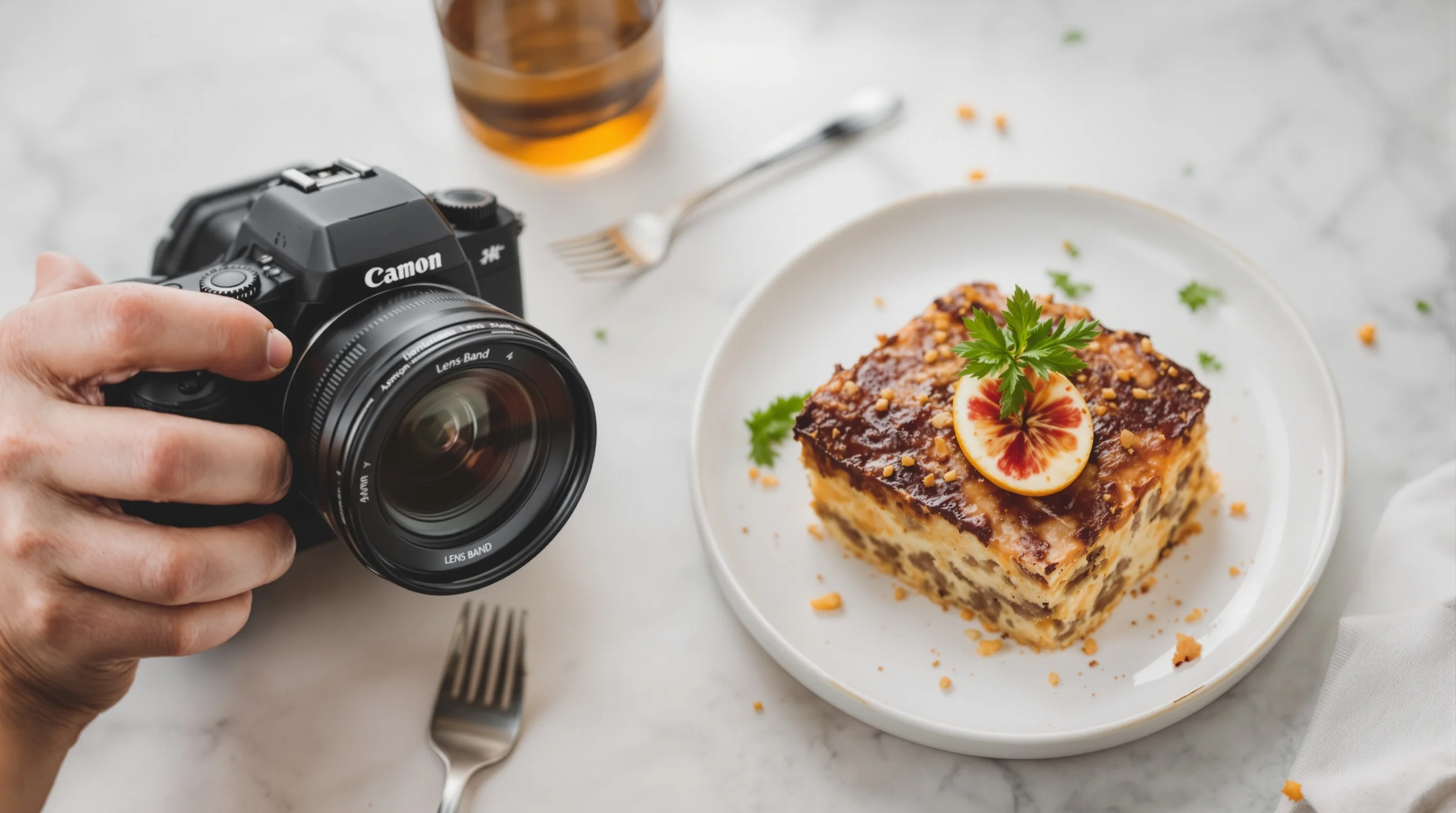
Many shooters rely on simple, effective DIY solutions to stop lens creep. A rubber band, elastic hair tie, or strip of grip tape wrapped around the zoom ring increases friction and prevents the barrel from sliding under gravity. DIYPhotography popularized this approach and it’s an excellent first step for budget-conscious restaurants and content creators. However, avoid placing bands over focus rings—interfering with manual focus will create new problems. For a cleaner, reusable solution consider a Lens Band or an O-ring; these products are designed to stretch over the zoom ring and hold the barrel steady without damaging finishes.
- Rubber band or hair tie over the zoom ring (quick and free)
- Lens Band or O-ring for a professional, reversible fix
- Gaffer tape on the barrel (effective short-term, but be careful with finishes)
- Set the zoom to a fixed focal length and avoid changing it mid-shoot
If the lens has a built-in zoom lock, use it—some lenses provide a lock at the shortest or longest focal length. For heavier lenses or long shoots, combine a physical band with a support strategy to prevent strain on the tripod head and avoid micro-shifts in composition.
Camera setup and shooting habits to stop lens movement
Good technique reduces the chance of lens creep before it starts. Use a sturdy tripod—our Best Tripods for Food Photography guide lists options for overhead rigs. Lock the tripod head and use a remote release or camera timer to avoid touching the camera. When shooting overhead, set the camera at a fixed focal length and avoid zooming during the set. If possible, use a prime lens; primes don’t creep because they have no extending zoom barrel. Also consider using smaller apertures and focus-stacking when you need deep sharpness, rather than changing the lens extension to alter depth of field.
When lens creep threatens a shoot, secure the lens lightly with a band and double-check your tripod head locking points. If you operate a busy restaurant, create a short pre-shoot checklist so anyone can set up reproducible, creep-free shots—see our 10 Steps to Prepare for a Food Photoshoot for a ready-made checklist you can adapt.
Maintenance and lens selection: long-term solutions
Prevention is not only a patch—regular maintenance and smart lens choices reduce lens creep risk. If you notice creeping on an otherwise new lens, send it for service; worn internal components or loose helicoids can be tightened. For restaurant shoots, choose lenses with a zoom lock or invest in high-quality primes that eliminate creep entirely. Our guide What Lens for Food Photography explains prime vs zoom trade-offs for menu work and when a zoom is necessary (for example, when flexibility matters on small shoots). Regularly check lens mounting tolerances and tripod head integrity—sometimes the perceived creep is a slipping head or loose quick-release plate.
If you own multiple venues or rotate cameras, standardize lenses and settings across locations so staff can replicate a setup that resists lens creep. Maintaining consistent focal length, aperture and tripod height helps prevent surprises and speeds post-shoot processing.
When lens creep still happens: editing and AI fixes
Even with precautions, a few imperfect frames happen. Post-processing can rescue some shots: careful sharpening, local contrast adjustments and cropping can make slightly soft images usable. But when framing or focus are significantly compromised—especially on menu platforms where image quality drives conversion—AI-based solutions provide an alternative. YummyPic transforms simple smartphone or DSLR photos into professional-grade menu images in seconds, correcting framing, sharpening textures and producing multiple photographic styles suited for DoorDash, Grubhub and Uber Eats. According to YummyPic, restaurants that upgrade to professional-quality images can see about a 30% boost in orders, making AI correction an attractive option when time and budget are tight.
Using AI is not a replacement for good capture technique, but it is an efficient safety net. If a slipped shot is the only image available for a new menu item, upload it to an AI service like YummyPic to generate high-resolution images tailored for delivery platforms. For step-by-step photography workflow improvements that reduce dependence on post-processing, consult our How to Plan a Restaurant Food Photoshoot guide.
Practical checklist: stop lens creep during a shoot
- Set up a solid tripod and lock the head before shooting.
- Use a rubber band or Lens Band on the zoom ring; avoid covering the focus ring.
- Prefer primes for overheads or use a zoom-lock if available.
- Use a remote shutter or timer to prevent contact with the camera.
- Keep spare frames and test each focal length to detect creeping early.
- If a slip occurs, mark the good frame and use AI tools to enhance select images.
Work through this checklist for every menu shoot and your team will reduce wasted frames and inconsistent sets. If you need help deciding between gear or need quick image rescues, our guides and services are designed for busy restaurants.
Pro tip and recommended products
💡 Pro Tip
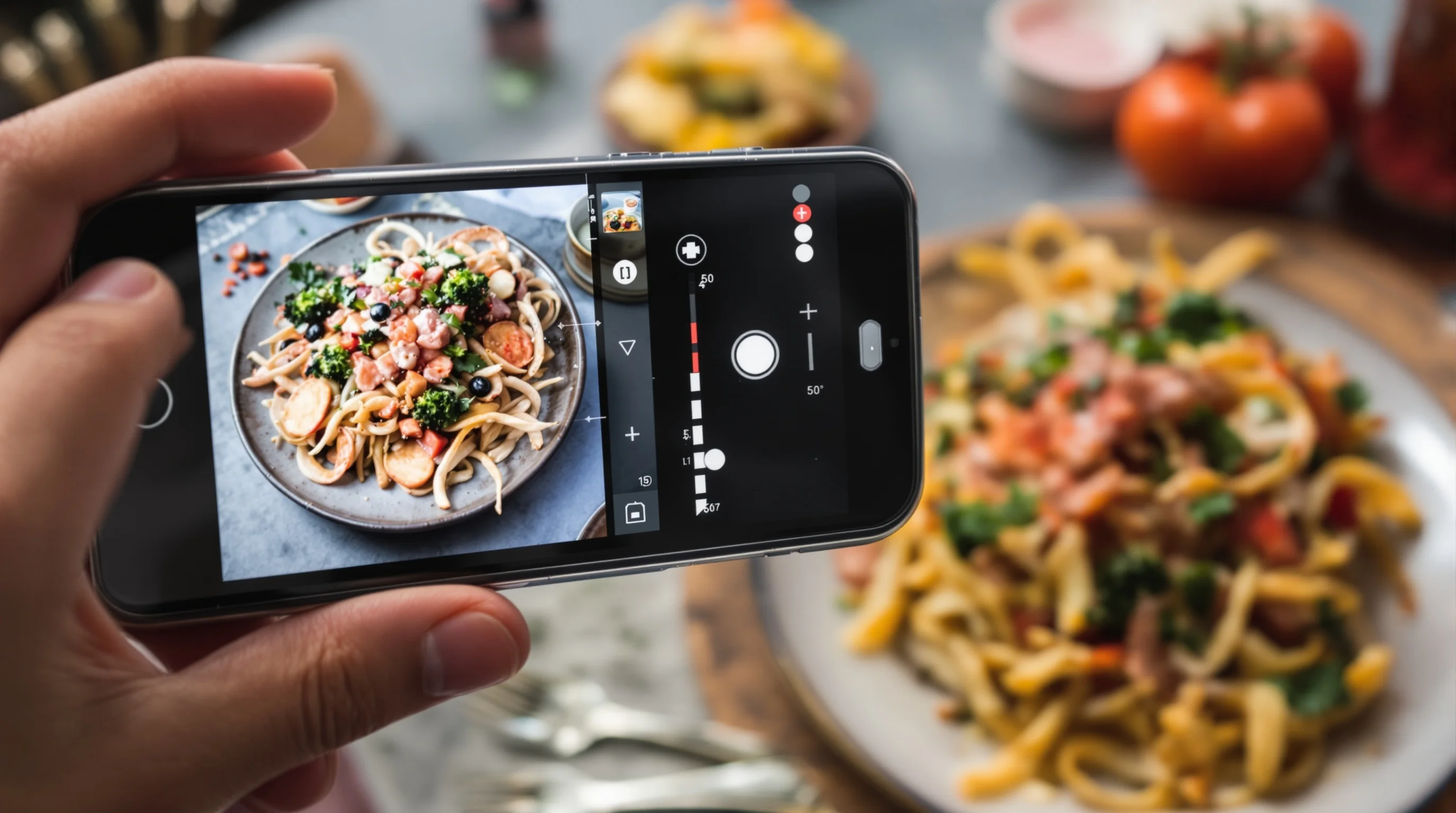
For a clean, durable solution use a Lens Band or O-ring sized for your zoom ring instead of improvised rubber bands. Pair this with a locked tripod head and remote trigger to eliminate micro-movements. If time is limited, capture a smartphone overhead as backup and process it with YummyPic for instant professional results.
If you want recommended product reading, the Lens Band provides a tidy, reusable fix designed specifically for preventing gravity-induced creep and is preferable to adhesives or tape. When choosing a tripod, prioritize rigidity and a secure quick-release system to prevent the head itself from shifting and mimicking lens creep. For more on how gear choices affect results, see Food Photography Tips for Beginners.
Conclusion: stop losing orders to sloppy images
What Is Lens Creep and Why It Ruins Food Photos is no longer a mystery: it is a mechanical, preventable problem with outsized consequences for restaurants and food creators. Left unchecked, lens creep leads to misframed, soft images that reduce appetite appeal and harm conversions on delivery platforms. Combine simple fixes—rubber bands, Lens Band, tripod discipline and lens maintenance—with smart post-shoot tools like YummyPic to ensure every menu photo looks professional. YummyPic is especially useful for restaurants that lack time or in-house photography skills: it transforms smartphone snapshots into high-quality images in seconds, helping increase orders and reduce the need for expensive photoshoots. Adopt practical prevention and an AI safety net, and you’ll never lose a sale to lens creep again.