
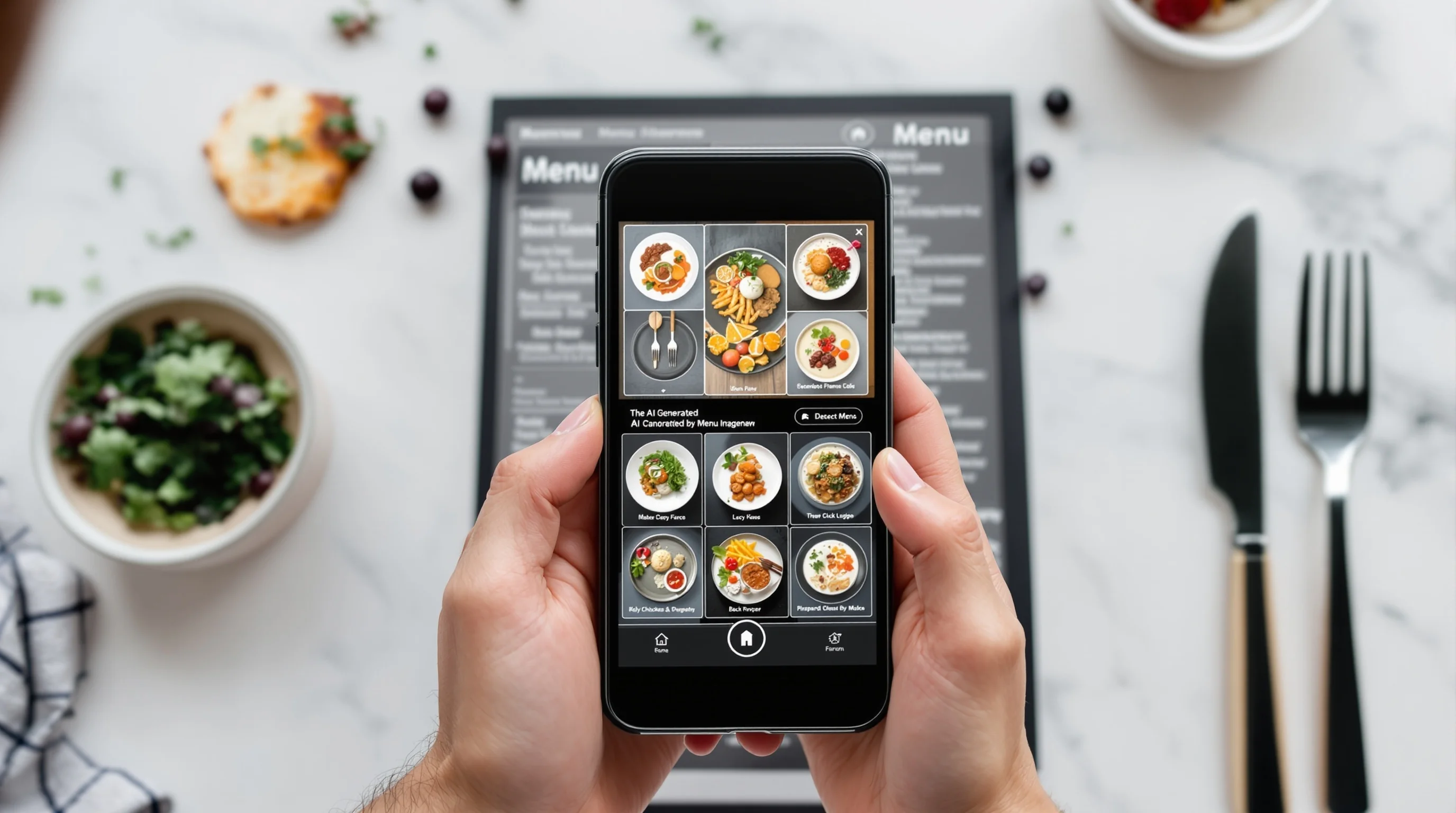
Introduction — The restaurant industry is changing fast. The Rise of AI Menu Image Creators has arrived as a practical answer to a familiar problem: high costs, inconsistent visuals and the time-consuming logistics of professional food photography. For restaurants, cafes and food trucks, attractive menu images matter — digital menus with dish photos can lift sales and orders dramatically. This article explains how AI is being used to generate and enhance menu images, which tools are available, how to integrate them into workflows, and the ethical questions operators should plan for.
Why quality menu images still matter
High-quality menu photos do real business work. According to UseGraze, better images can increase online orders by about 30%. QSR Magazine notes that digital menus with food photos see roughly a 65% boost in digital sales and about 70% higher orders. Those are not abstract benefits — they translate into measurable revenue that small and large operators can use to prioritize marketing spend.
Consistent, tempting photos help with discovery on platforms like DoorDash, Grubhub and Uber Eats and also reduce customer uncertainty at the moment of purchase. Yet producing consistent visuals at scale is expensive: traditional photoshoots typically cost $500–$2,000 per session, and coordinating studio time and props takes staff hours.
How can AI improve restaurant menu images?
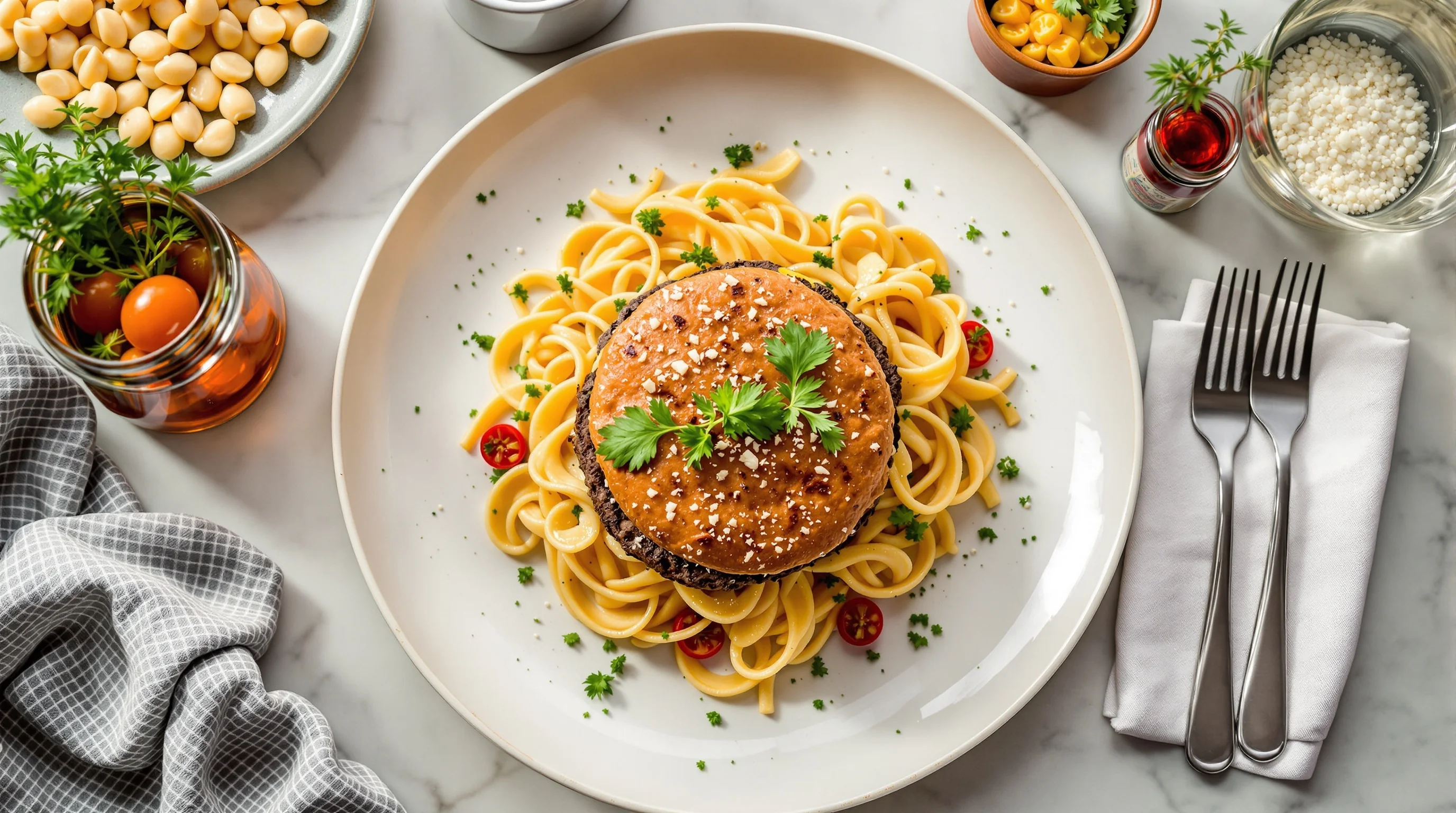
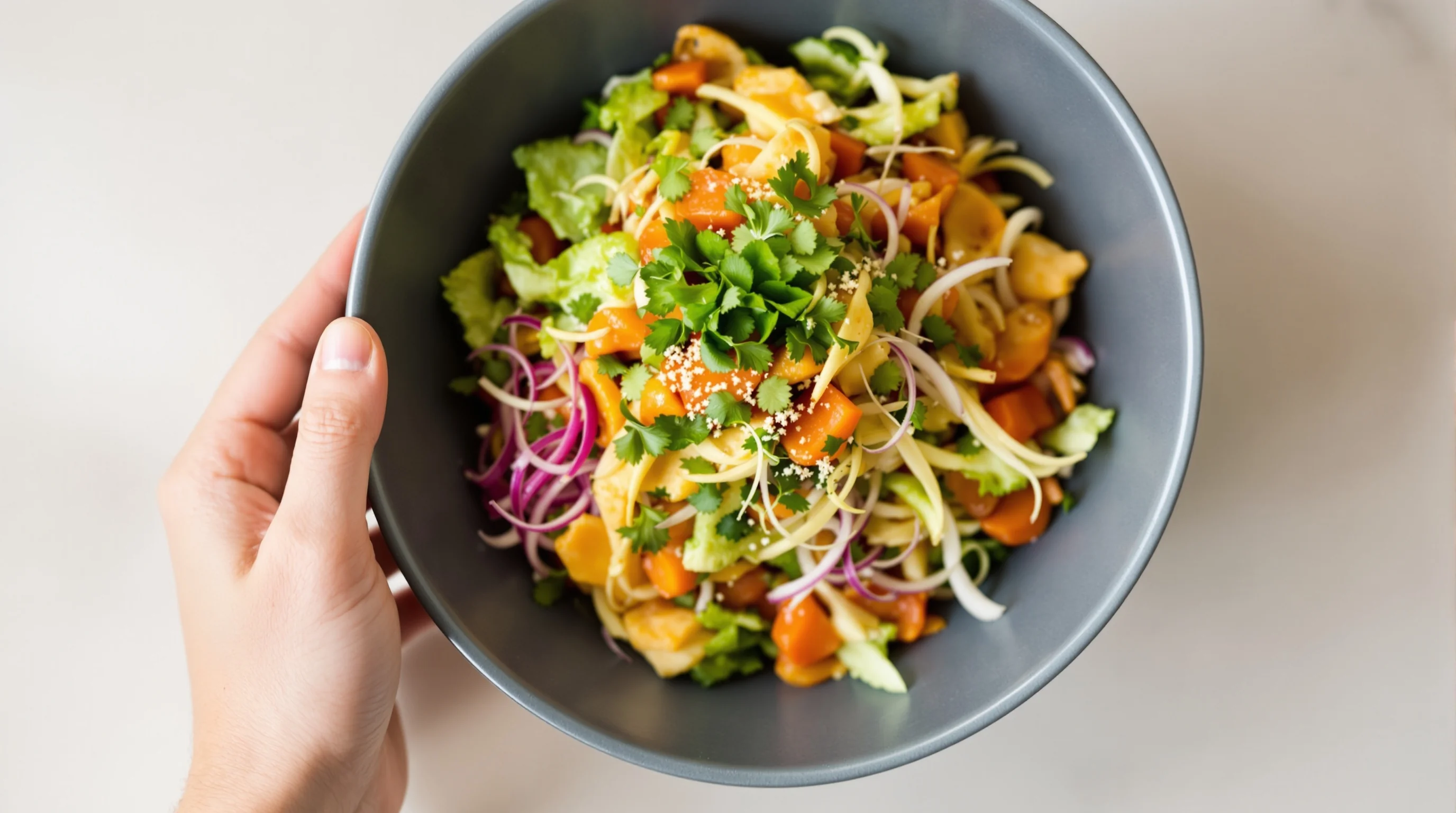
AI can improve menu images in three practical ways: generate photorealistic images from brief inputs, enhance imperfect smartphone photos, and apply consistent styling across an entire menu. Tools use generative models and image-enhancement pipelines to transform a simple upload into a platform-optimized image in seconds. That speed enables frequent updates and A/B testing for specials and seasonal items without scheduling a photoshoot.
Research from tools and vendors shows AI solutions can deliver full sets of dish images in seconds, replacing the need for a photographer. That means restaurants can refresh visuals when recipes change, test different presentation styles, or create delivery-specific crops for platforms. If you want hands-on tips for better source photos to feed AI, see our guide on AI Food Photo Generator.
What are the best AI tools for creating menu food images?
The market now includes specialized platforms that convert single photos or text prompts into multiple styled images optimized for menus and delivery. Some tools emphasize full generative images from text, while others focus on enhancement: cleaning backgrounds, correcting color, and re-styling. Comparing options requires looking at output quality, turnaround speed, platform-specific sizing, and cost.
When evaluating vendors, consider whether a service supports DoorDash, Grubhub and Uber Eats image specs, and whether it can produce multiple styles (bright & airy, dark & moody) to match your brand. For practical delivery-specific optimization, read our sections on DoorDash, Grubhub, and Uber Eats photography on this site.
Cost and speed: why operators switch to AI
Cost reduction is one of the clearest business cases. AI image services often come as subscriptions in the ~$39–$89/month range, compared with $500–$2,000 for a traditional shoot — a saving that some vendors estimate at roughly 95%. Beyond money, AI delivers images in seconds rather than hours or days, enabling instant menu refreshes and faster marketing campaigns.
That shift in economics explains why the industry is enthusiastic: around 72% of operators plan to adopt AI tools soon, according to HospitalityTech. Adoption often begins with smaller tests — swapping a handful of delivery photos for AI-enhanced versions and measuring conversion changes.
Can AI-generated menu images boost engagement and sales?
Short answer: yes, when used responsibly. Studies and industry reports link better menu imagery to higher conversion: UseGraze reports a ~30% increase in online orders with improved images; QSR Magazine cites a ~65% lift in digital sales and ~70% higher orders when images appear on menus. These outcomes are typical when visuals are appetizing and truthful to the product delivered.
"AI is the tool that can help businesses grow and it is clearly here to stay."
HospitalityTech
However, images must reflect what customers actually receive. If AI produces hyper-stylized images that mislead diners, short-term clicks can turn into negative reviews and refunds. That risk underlines the need for controls: use AI to enhance and standardize, but calibrate styling to match reality and set expectations.
Practical workflows: integrating AI into menu and operations
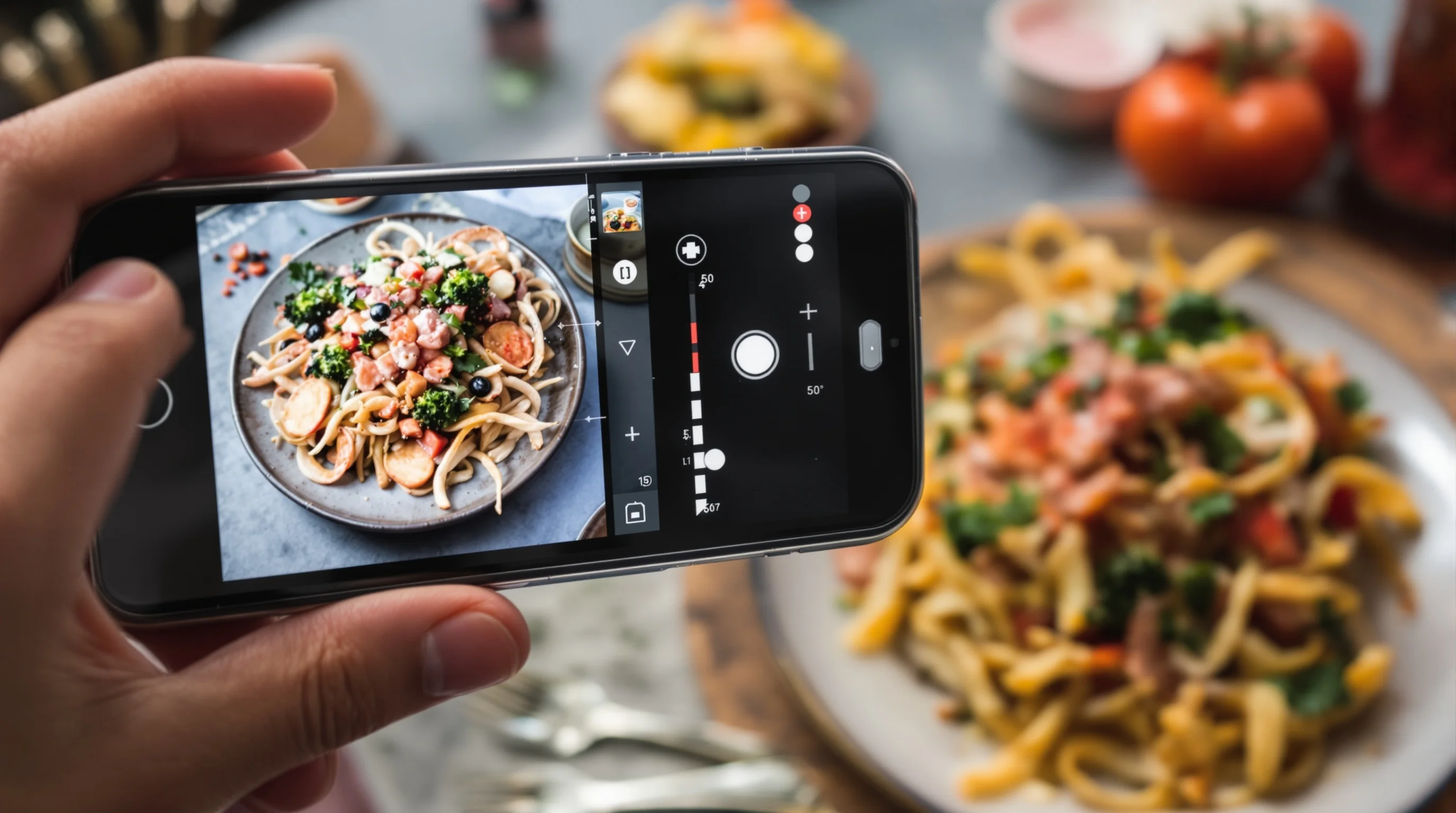
Integrating AI into existing workflows means choosing the right entry points: QR/QR-code menus, POS-based menu management, online ordering platforms, and social media. A typical flow: capture a quick smartphone photo, upload to an AI service, select the style and crop for the target platform, then push the image to your menu or ad. This removes scheduling and set-up friction associated with in-person shoots.
- Capture a simple, well-lit phone photo of the dish
- Upload to the AI tool and choose a target style and platform
- Review and tweak the generated images to ensure accuracy
- Publish to your menu, delivery platform or social channels
If you want better source photos to feed AI, our practical guides such as Flat-Lays and lighting tricks explain quick, repeatable techniques.
Tools under the hood: how different AI approaches compare
Not all AI is the same. Broadly, solutions fall into three camps: text-to-image generative models that create dishes from prompts, enhancement engines that upgrade real photos, and hybrid systems that combine both. Generative tools are useful for conceptual menus and marketing mockups, while enhancement systems are better when authenticity matters and you must match the plate customers will receive.
When evaluating accuracy and trust, ask how a tool handles textures, portion sizes and garnish fidelity. Some systems also offer batch processing and APIs for integration into menus or POS software — valuable if you manage many locations and need automated updates.
Ethics, trust and the risk of 'visual hunger'
There are important ethical considerations. Research from the University of Oxford cautions that AI-generated food images can look tastier than real ones and warns of risks tied to increasing “visual hunger.” The industry must balance persuasive imagery with honest representation so customers are not misled about portion size, ingredients or presentation.
"These findings highlight potential risks associated with exacerbating ‘visual hunger’ amongst consumers."
University of Oxford
Operational controls help: maintain a reference image of the actual plated dish, add brief disclaimers where appropriate, and standardize styling to reflect real-world servings. Transparency preserves trust and reduces refund requests or reputation damage from overly idealized photos.
Case examples and measurable outcomes
Early adopters report measurable gains when AI images are used correctly. Vendors claim fast turnaround and conversion improvements after swapping a set of delivery images to AI-enhanced photos. While independent case studies remain limited, internal tests commonly show higher click-through rates and increases in order volume after image refreshes.
To build your own metrics, run small A/B tests: replace images for a portion of your menu or a single location and track order rate, average ticket and refunds for 2–4 weeks. Use those numbers to decide whether to scale and which styles perform best for your cuisine.
Where YummyPic fits: on-demand, consistent menu photos
YummyPic is positioned as a leading AI-powered food photography platform designed for restaurants. It transforms simple food photos into professional, restaurant-quality images in seconds — ideal for operators who need fast, consistent visuals across QR code menus, delivery platforms and social ads. YummyPic emphasizes speed, lower cost, multiple styles and platform-optimized outputs, which match the common pain points operators face.
- On-demand generation of photorealistic dish images without a photographer
- Cost-effective subscription pricing that undercuts traditional shoots
- Consistent branding and style across all menu images
- Fast turnaround for frequent updates and A/B tests
For practical workflows that include source-photo preparation, pair YummyPic with quick capture techniques from our flat-lays guide or optimize shots for delivery with our DoorDash photography guide.
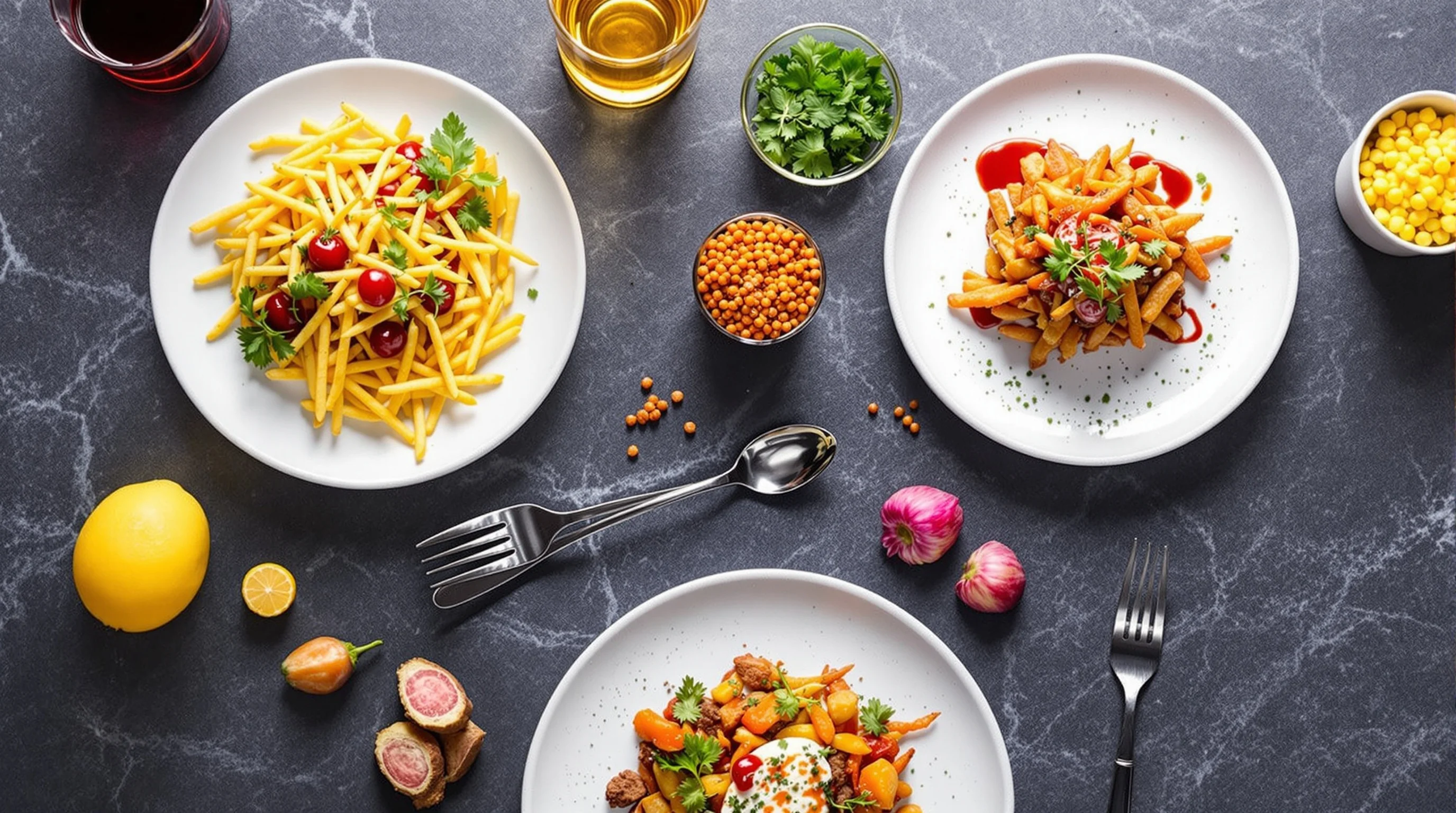
Practical checklist: launching AI menu images responsibly
A short checklist helps you move from trial to routine without upsetting customers. Capture a representative photo, process through AI, compare against the actual plated dish, crop to platform specs and label the image version. Finally, monitor feedback and adjust style strength to match customer expectations.
💡 Pro Tip
Start with best-selling items and test one platform at a time. Use A/B tests and keep a clear record of which AI styles map best to real portion sizes.
Conclusion
The Rise of AI Menu Image Creators is not a gimmick — it’s a practical tool for restaurants aiming to reduce cost, speed up content production and maintain consistent, high-quality visuals across platforms. When used with transparency and realistic styling, AI-generated images can increase orders and improve customer experience. Restaurants should evaluate tools on quality, platform compatibility and controls to ensure authenticity; pairing AI with simple capture best practices yields the best results.