
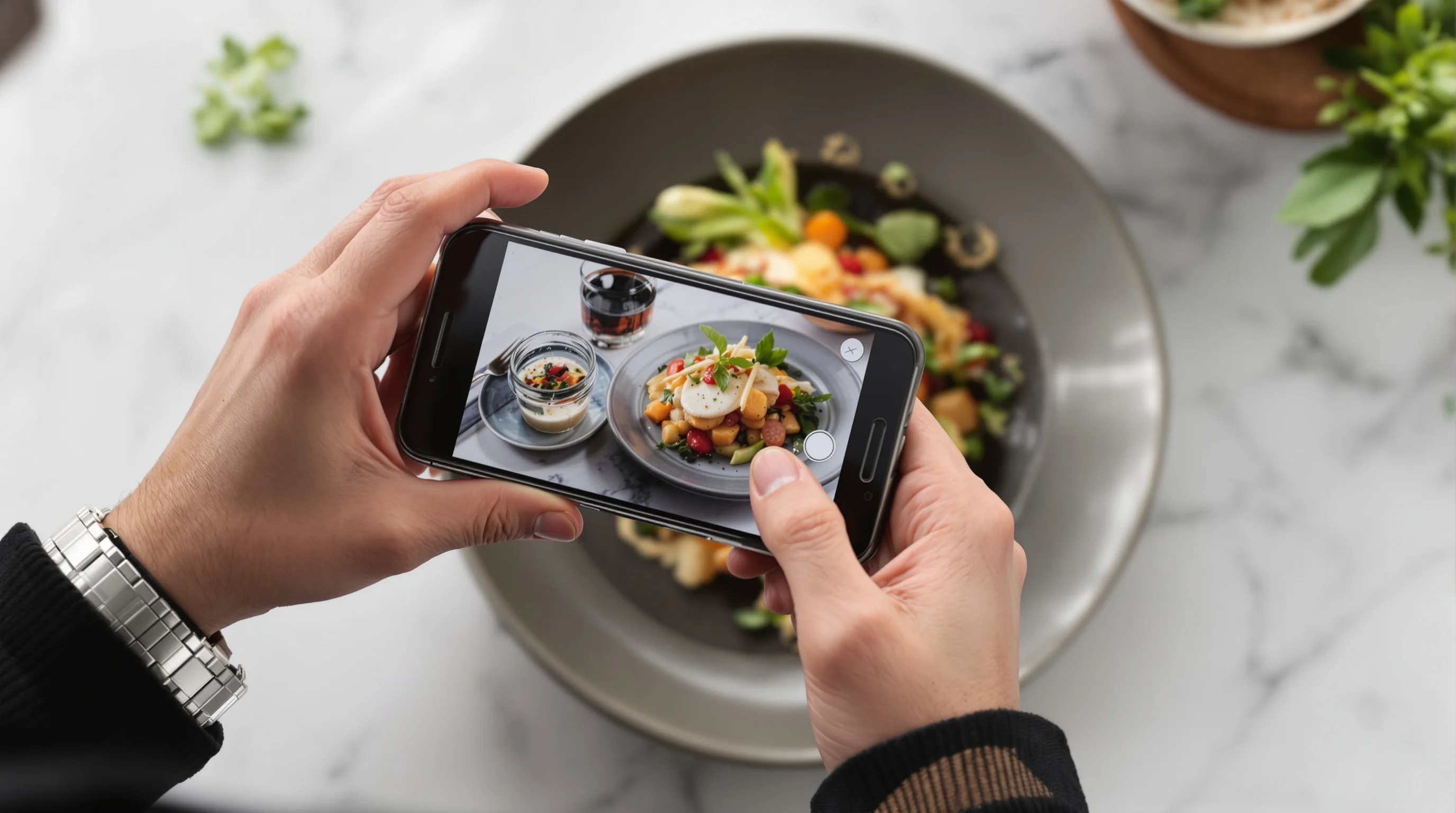
Introduction: The visual first impression matters. In this Grubhub Food Photo Guide: What Works and What Doesn’t we explain why menu photos influence ordering decisions, which shots perform best on Grubhub, and how to produce high-converting images even with no budget. Customers “eat with their eyes first,” so enticing menu images greatly influence ordering decisions. According to Grubhub, adding photos to online menus can boost orders by as much as 70%. That means the right photo can act as your front-line salesperson, while a poor photo can quietly sabotage a dish’s potential. This guide distills proven techniques, platform requirements, and quick fixes—plus modern AI tools that instantly turn phone snapshots into Grubhub-ready images.
Why photos matter for Grubhub listings
Good photos build trust and reduce friction. High-quality food photos help dishes stand out, build trust with diners, and drive more direct orders. Studies show 20–30% sales lifts from quality images, and DoorDash data indicates menus with item photos see up to 44% more monthly sales. A Technomic survey found roughly 75% of consumers say high-quality food photos played a key role in their ordering decisions. Put simply: a compelling image increases clicks, reduces cart abandonment, and increases average order value. In this Grubhub Food Photo Guide: What Works and What Doesn’t we emphasize practical steps restaurants can take to capitalize on that behavior without a large marketing budget.
Expert voices reinforce the point. “Customers eat with their eyes first, and the food photos they see online can be the deciding factor in whether they place an order,” says an industry expert. Another authority notes: “Your food photography stands as your best salesperson...the initial impression...will dictate whether [a customer] will order or skip.” These quotes underline that investing even modest time or tools into food imagery returns measurable sales.
What types of photos should restaurants use on Grubhub?
Customers expect clarity. Use clear, focused photos that show the plated dish, reasonable portion size, and distinguishing ingredients. The top-performing image types for Grubhub are: a clean plated hero shot from a flattering angle, a close-up showing texture and sauce, a pulled-apart or cross-section for sandwiches and burgers, and a thumbnail-friendly square or 4:3 crop of single items. In this Grubhub Food Photo Guide: What Works and What Doesn’t, prioritize images that communicate exactly what the customer will receive—this improves trust and reduces inaccurate expectations.
When considering shot selection, remember platform behavior. Thumbnails need to read at small sizes; full-screen images should reward a click with appetizing detail. If you need a quick workflow, shoot one hero image (slightly elevated angle), one close-up (shallow depth of field), and one context shot (showing scale or sides). For tips on lighting and composition basics, see our Food Photography Tips for Beginners.
Grubhub image specs and common platform pitfalls
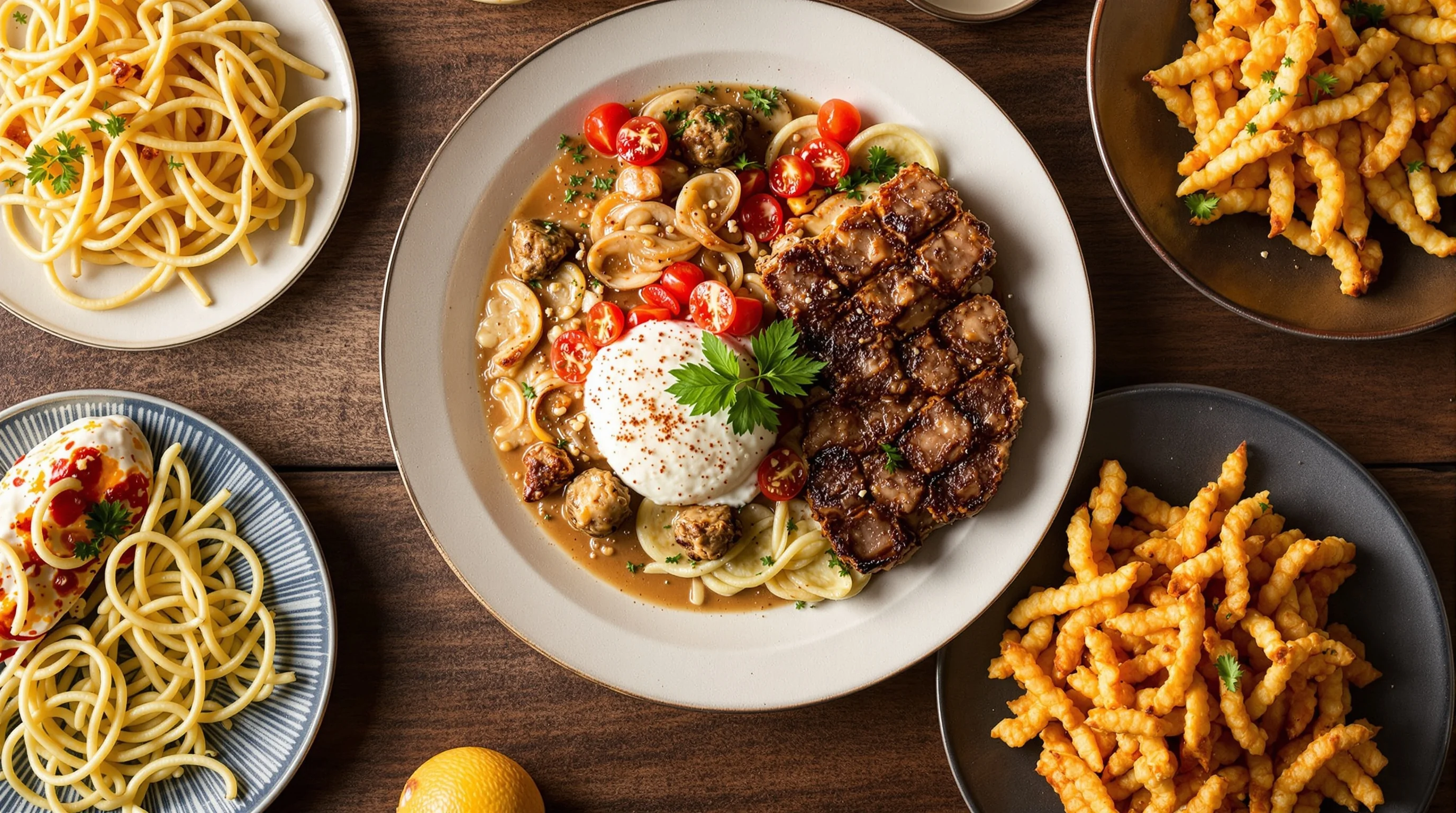
Format and crop matter. Many delivery platforms display images in specific aspect ratios—Grubhub commonly favors a 4:3 ratio for item photos. Upload high-resolution JPEGs or PNGs, avoid heavy compression, and ensure the main subject fills most of the frame. This Grubhub Food Photo Guide: What Works and What Doesn’t recommends creating images at least 1024 pixels on the short edge to preserve clarity after platform resizing.
Common mistakes on Grubhub include blurred thumbnails, inconsistent white balance between items, and using generic stock photos that don't match the actual dish. Consistency is crucial: a consistent crop and background across menu items looks professional and improves perceived reliability. If you need platform-specific imagery beyond Grubhub, we also offer resources about DoorDash Photography and other services.
DIY food photography that actually converts
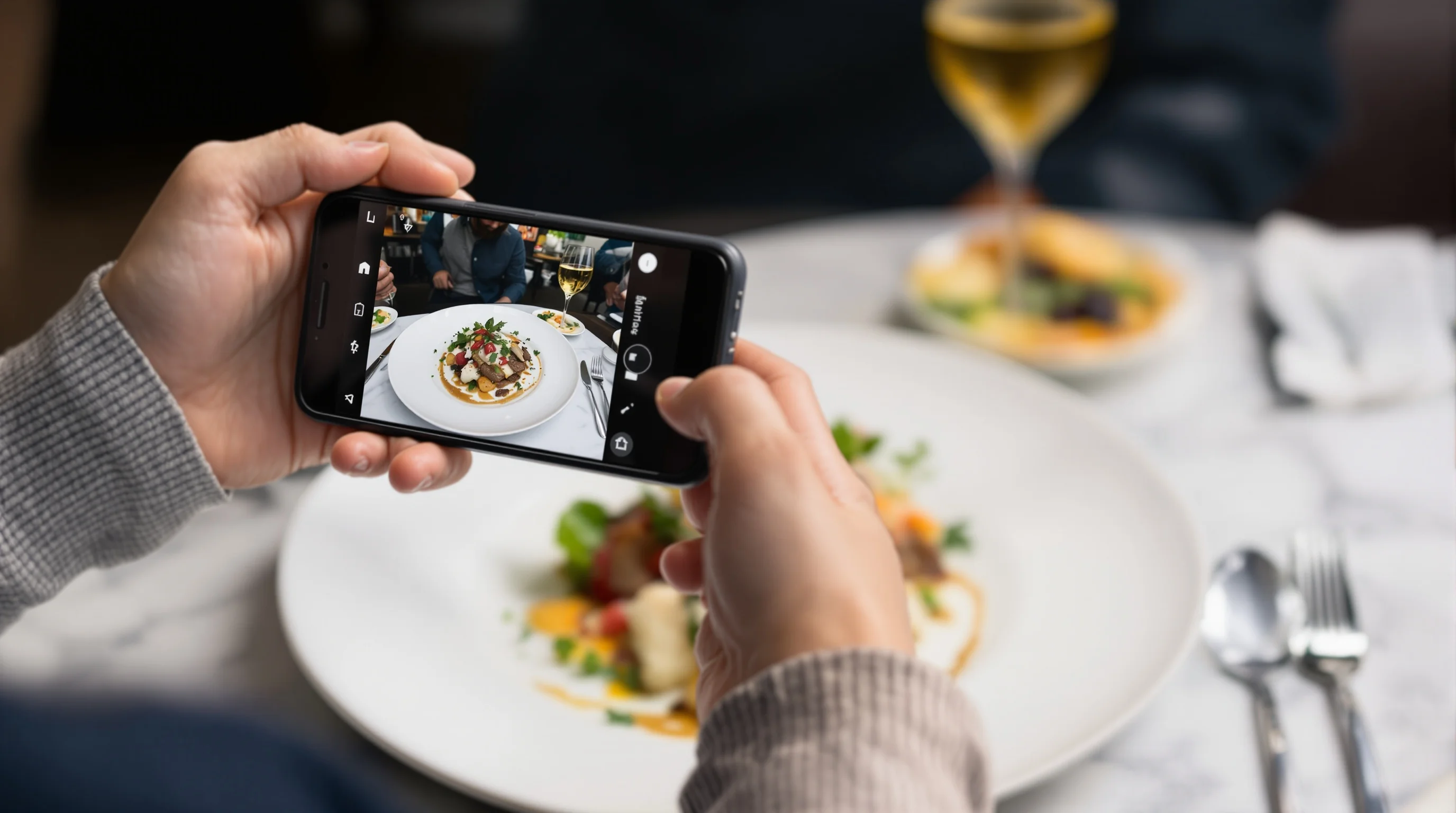
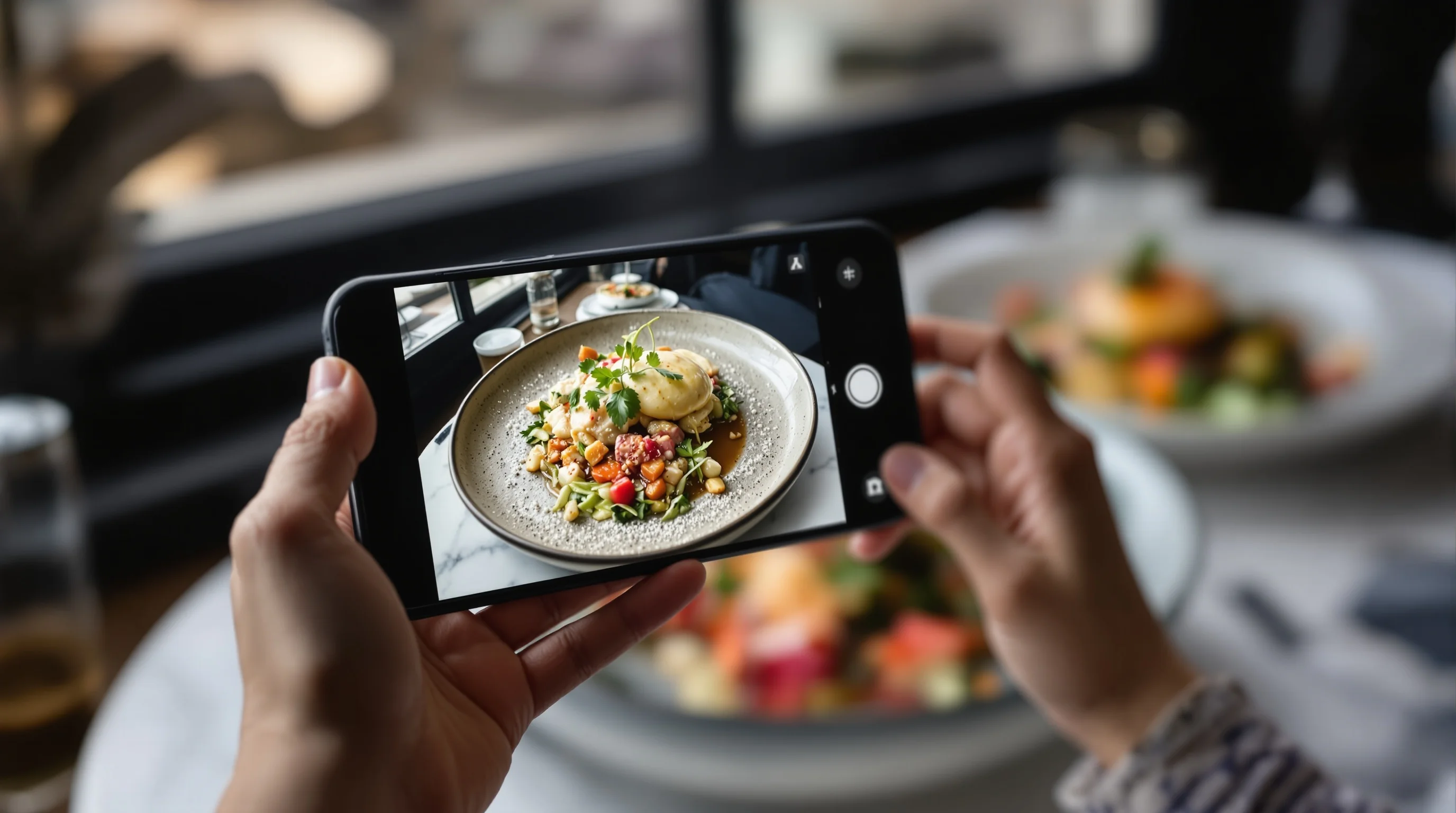
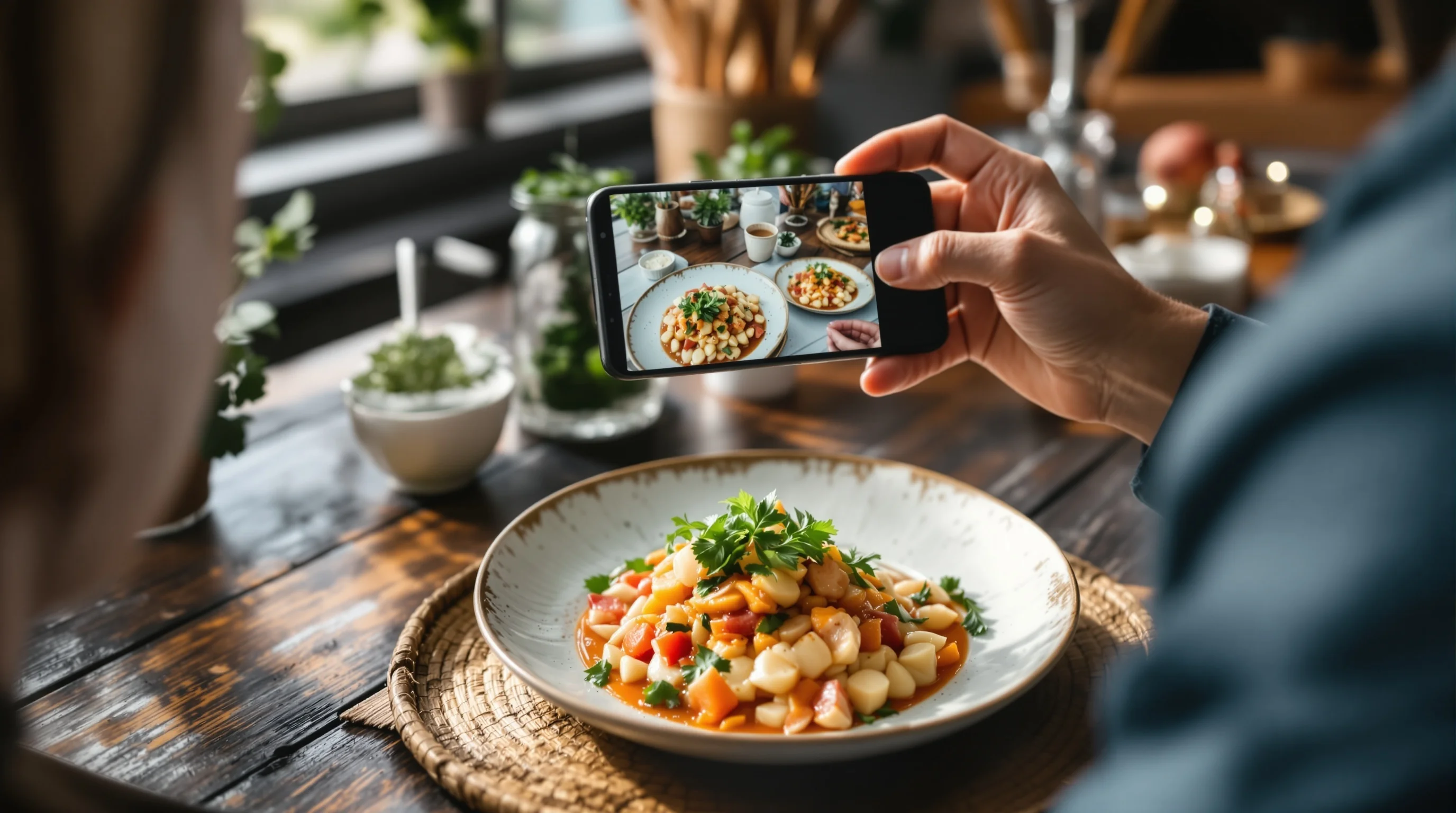
Smartphone cameras today are capable of professional-looking food photos. With practice, even non-professionals can capture appetizing images. In this Grubhub Food Photo Guide: What Works and What Doesn’t, the essential DIY checklist is simple: use natural light, stabilize the phone with a tripod or flat surface, set a clean background, and shoot from flattering angles—typically 45° for bowls and 30°–60° for plated items. Use portrait mode to create a shallow depth of field when appropriate, but avoid over-smoothing or heavy filters that misrepresent the dish.
- Use natural window light—avoid overhead fluorescent bulbs.
- Keep the dish stationary; use a tripod or lean the phone on a stack of menus.
- Frame the plate so the dish fills at least 60% of the image area.
- Shoot multiple frames: hero, close-up, side and overhead.
For more on gear basics, check our guide to the Best Camera for Food Photography and tripod recommendations. Even simple tools like a reflector (white card) and prefolded napkins for texture will elevate a shot.
What doesn’t work: common mistakes that lose orders
Bad photos can actively harm sales. In the Grubhub Food Photo Guide: What Works and What Doesn’t, the worst offenders are: dark, underexposed images that hide texture; over-processed shots that create unrealistic colors; busy backgrounds that distract from the food; and mismatched photos that don’t reflect the delivered portion. Using out-of-date or misleading images leads to negative reviews and refunds.
Avoid compositional clutter—no strangers (hands) in the frame, no dirty plates, and no tiny unreadable garnish. If a dish relies on fresh elements (herbs, steam, melted cheese), photograph immediately after plating to capture those ephemeral cues. To learn specific styling tricks—like making burgers look juicier—see our How to Photograph Burgers Like a Pro guide.
Editing and consistency: small fixes that make big differences
Editing should enhance, not mislead. Basic adjustments—exposure, white balance, contrast, and sharpening—are usually sufficient. Keep color accurate so customers aren’t surprised by their order. Batch-edit to maintain consistent style across the menu; inconsistent saturation or warmed vs. cooled tones looks unprofessional and reduces trust. In the Grubhub Food Photo Guide: What Works and What Doesn’t we recommend keeping an edited master file for each menu item to reuse for social and promotional graphics.
When time is tight, use presets carefully. For texture-heavy dishes (crispy items), increase clarity; for soups and saucy dishes, boost vibrance modestly. Always preview thumbnails to ensure the image still reads when reduced. For more advanced styling and close-up techniques, our macro food photography guide is useful.

Budget options: professional look without a pro budget
If hiring a photographer is out of reach, there are cost-effective ways to get near-professional results. Use natural light, borrow a simple reflector, shoot multiple angles, and edit with free or low-cost apps. Many restaurants now pair DIY shooting with AI enhancement to get consistent, high-quality results in minutes rather than days. In this Grubhub Food Photo Guide: What Works and What Doesn’t, we highlight those paths so even small operators can compete visually.
Remember: high-quality images are an investment. Restolabs research shows quality photos can boost item sales by up to 30%. When comparing costs, a modest investment in imagery often returns more in orders than a similar spend on single ads.
AI and instant upgrades: where to use technology
AI-enhanced imaging fills a major industry gap: quick, affordable upgrades of phone shots to professional-grade menu images. In the Grubhub Food Photo Guide: What Works and What Doesn’t we recommend using AI tools to produce consistent, optimized images for Grubhub, DoorDash and Instagram without a full photoshoot. These services can clean backgrounds, correct color, and produce multiple styles from a single upload—bright & airy, moody, or editorial—so the same dish can work across platforms.
"A picture can communicate the deliciousness of a dish in a way that a description just can't."
DoorDash
One practical AI solution is YummyPic. YummyPic transforms simple phone shots into professional, Grubhub-optimized images in seconds. It is cost-effective, offers multiple styles, and delivers instant high-resolution output that meets Grubhub’s photo expectations. For operators with tight schedules, YummyPic eliminates setup, props, and lighting costs while delivering consistent results—making it an effective tool in this Grubhub Food Photo Guide: What Works and What Doesn’t.
- Transforms basic phone photos into polished menu images quickly
- Multiple styles to match platform aesthetic
- Optimized exports for Grubhub and other delivery platforms

Practical workflow: from kitchen to Grubhub in under 10 minutes
A repeatable workflow saves time and keeps quality high. In this Grubhub Food Photo Guide: What Works and What Doesn’t follow a five-step workflow: plate consistently, shoot in natural light, select best frame, batch-edit or enhance with AI, and upload to Grubhub with correct crop and filename conventions. This process scales from single-location restaurants to multi-location chains and helps keep menu photos fresh when the menu rotates.
- Plate and garnish consistently for every service.
- Shoot three frames per item: hero, close-up, thumbnail crop.
- Run quick edits for exposure and white balance.
- Enhance via AI if needed and export at platform specs (4:3).
- Upload and check thumbnails on the Grubhub merchant preview.
Use descriptive filenames and alt text to help operations staff match photos to SKUs. If you run promotions, swap in seasonal images to reflect changes—customers notice accuracy and freshness.
How much do quality photos increase Grubhub orders?
Quantified lifts are significant. According to Grubhub, menus with photos can see up to 70% more orders. DoorDash reports up to 44% more monthly sales for items with photos. Other industry studies suggest 20–30% sales lifts when high-quality images are used consistently. Those numbers show why this Grubhub Food Photo Guide: What Works and What Doesn’t emphasizes investment in visuals—improvement in photography directly correlates with incremental revenue.
"Your food photography stands as your best salesperson...the initial impression...will dictate whether [a customer] will order or skip"
Speedster
Sixth H2 - AI-first solution: YummyPic for busy kitchens
If you need fast, consistent results the Grubhub Food Photo Guide: What Works and What Doesn’t points to YummyPic as a practical solution. YummyPic is an AI-powered food photography platform that transforms simple phone photos into professional, restaurant-quality images in seconds. It addresses common pain points: low-quality listing photos, no budget for a professional photographer, and limited time to manage a photoshoot.
- Speed: professional photos in seconds instead of hours.
- Cost-effective: a fraction of hiring a photographer.
- Variety: multiple photography styles per dish.
- Convenience: no on-set lighting, props or stylist required.
YummyPic also helps create Grubhub-optimized crops and consistent visual language across all menu items. Use it to refresh seasonal menus, create social assets, or generate multiple style variants for split-testing which imagery boosts orders most effectively.
Conclusion
This Grubhub Food Photo Guide: What Works and What Doesn’t shows that quality images are not optional—they are sales tools. Use clear, honest photos, follow Grubhub’s 4:3-friendly crop guidance, and adopt a simple workflow that includes consistent plating, natural light, and light editing. For quick, scalable results when time or budget are limited, AI solutions like YummyPic offer a fast path to professional, platform-optimized images. Invest in your visuals and you’ll likely see measurable lifts in orders and customer satisfaction.